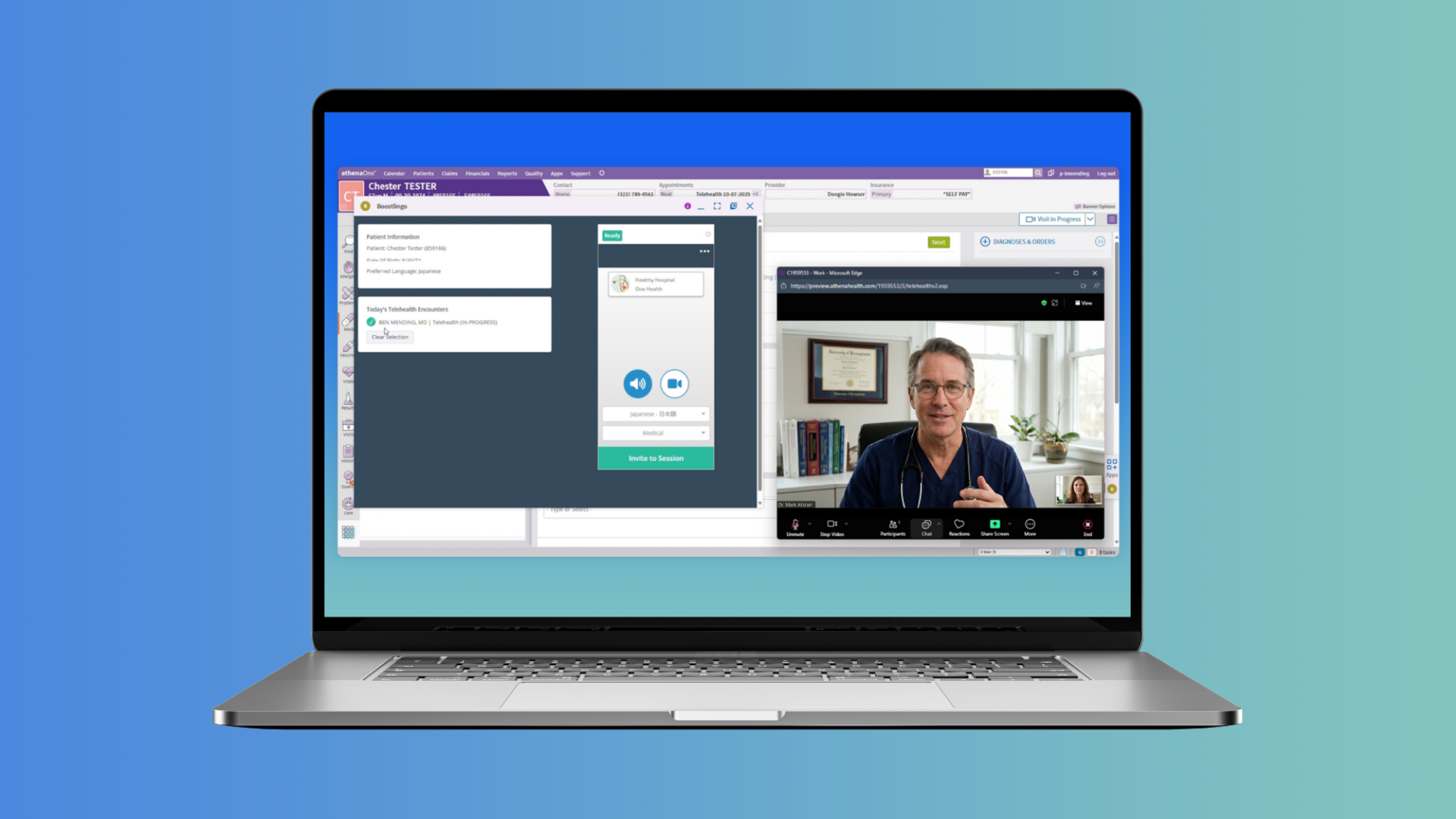
Real time translation apps make it possible for people who speak different languages to communicate instantly.
These tools are no longer limited to travel. Businesses, healthcare teams, customer support centers, and event organizers now rely on real time voice translation apps to connect multilingual audiences.
For event planners, translation technology can help global attendees follow presentations, participate in Q&A sessions, and stay engaged during live discussions.
But not every language translation app works well for professional environments. Some are built for travel. Others support meetings, webinars, or conferences.
This guide reviews the best real time translation apps available today and explains how to choose the right one for your needs.
What Is a Real Time Translation App?
A real time translation app converts spoken or written language into another language instantly.
Most modern tools use AI speech recognition and machine translation to process speech as it happens. Recent advances in real-time speech-to-speech translation technology have made it possible to convert spoken language into translated audio or captions within seconds.
The translated output may appear as:
- spoken audio
- subtitles
- live captions
- translated text
Many tools also function as conversation translator apps, allowing two speakers to talk back and forth while the app translates each side of the conversation.
These apps are used for:
- travel conversations
- international meetings
- customer support
- healthcare communication
- multilingual events and conferences
Some platforms also combine AI translation with access to professional human interpreters for situations where accuracy and nuance are critical.
The Best Real Time Translation Apps in 2026
Below are some of the best translation apps available today, including tools designed for everyday conversations and platforms built for professional environments.
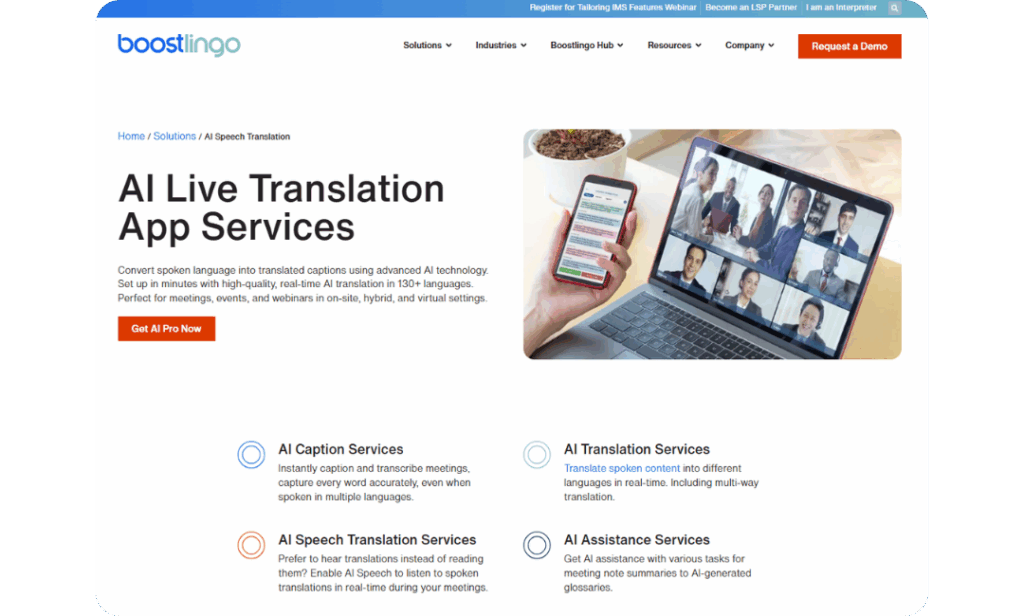
Boostlingo Events
Boostlingo Events is designed for organizations that need reliable multilingual communication across meetings, events, and service interactions.
The platform provides real time speech translation and captions across multiple languages. Speakers and audiences can understand each other instantly without waiting for manual interpretation.
For event organizers, Boostlingo stands out because it works across common video platforms and supports both AI and human interpreters.
In a recent evaluation using real medical audio and expert reference translations, Boostlingo AI scored higher than several open source and commercial models for accuracy.
When conversations require more nuance or precision, sessions can switch to a professional human interpreter.
This hybrid approach allows organizations to balance speed, accessibility, and accuracy.
Google Translate
Google Translate is one of the most widely used free translation apps.
It supports text translation, voice translation, and camera translation for reading signs, menus, and documents.
The app is often used for travel or quick everyday interactions. It also works offline for many languages, which makes it useful when internet access is limited.
While Google Translate is convenient for basic conversations, it is not designed specifically for structured meetings or professional events.

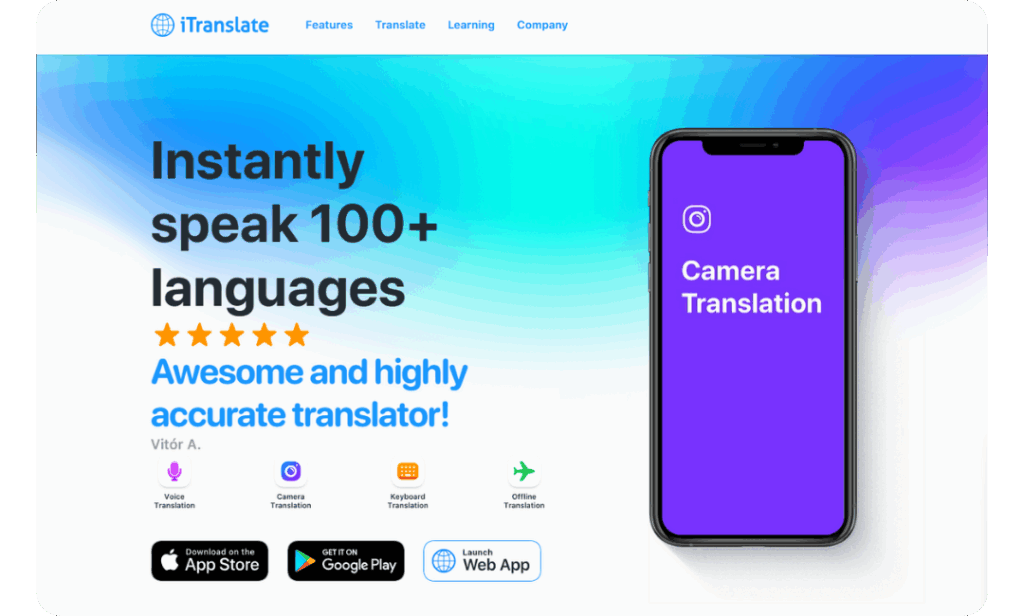
iTranslate
iTranslate offers voice and text translation with strong offline capabilities.
This makes it useful when traveling without a reliable internet connection, such as during flights or in remote areas.
The app also includes phrasebooks and pronunciation guides that help users communicate during common travel scenarios.
iTranslate works well as a personal conversation translator app but is less commonly used in professional event settings.
SayHi
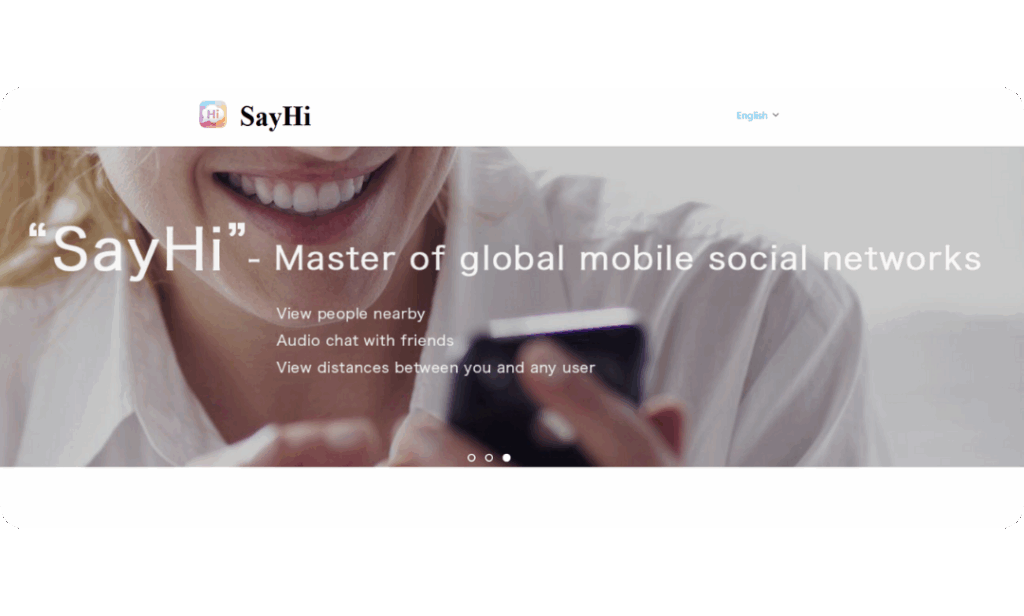
SayHi focuses on voice based conversation translation.
Two people can speak into the app and receive translated speech almost instantly. The interface is simple and designed for natural conversations.
Because of its strong voice recognition, SayHi is often considered one of the best speak to translate apps for casual communication.
However, it is primarily designed for one on one conversations rather than large group meetings.
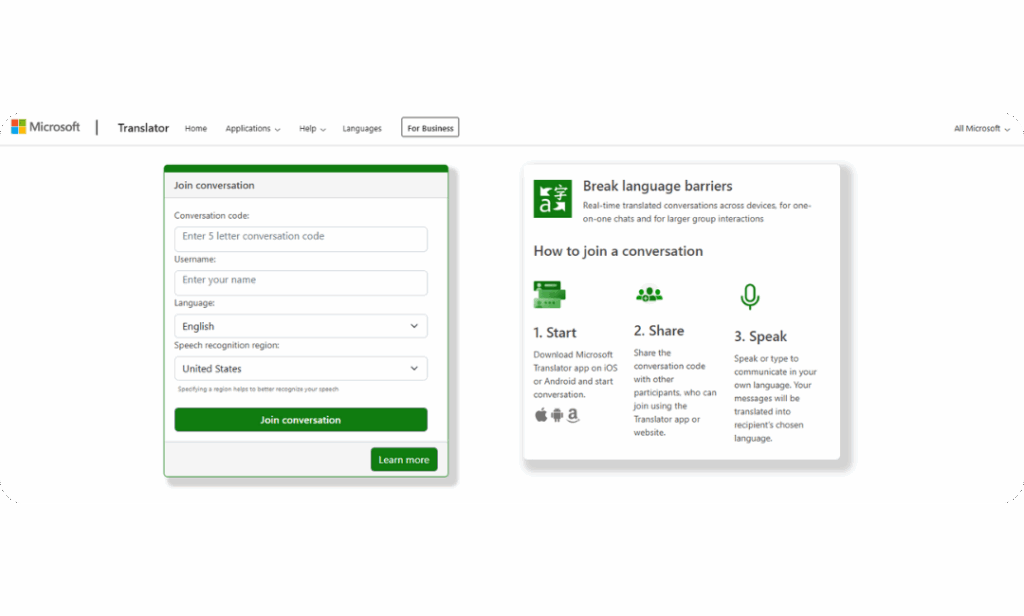
Microsoft Translator
Microsoft Translator integrates directly with Microsoft Teams and the broader Microsoft ecosystem.
It supports live captions and translation during meetings, which makes it useful for organizations already working inside Microsoft tools.
Since it is an integrated feature rather than a dedicated platform, it is best suited for light translation needs during internal meetings.
Best Apps by Use Case
Different translation tools work best for different situations.
Below are common scenarios and the apps that work well for each.
Best Conversation Translator Apps for Meetings
Conversation translator apps are designed for two way communication between speakers.
Popular options include:
- Boostlingo Events
- Microsoft Translator
- SayHi
These tools allow speakers to talk naturally while the system translates the conversation in real time.
For professional environments such as meetings or events, reliability and caption support are important considerations.
Best Speak to Translate Apps for Travel
Travelers often need fast translations in unpredictable environments.
Popular options include:
- Google Translate
- SayHi
- iTranslate
These apps allow users to speak directly into their phone and receive instant translations.
They are useful in taxis, restaurants, hotels, and airports where speed matters more than advanced features.
Best Translation Apps for Android
Android users have several strong options for speech translation.
Some of the best translation apps for Android include:
- Google Translate
- Microsoft Translator
- iTranslate
All three offer voice translation features and support a wide range of languages.
Best Real Time Voice Translation Apps
Real time voice translation apps convert speech as it happens during conversations.
Examples include:
- Boostlingo Events
- Microsoft Translator
- SayHi
These tools are especially helpful during meetings, interviews, and multilingual discussions where immediate understanding is essential.
Free Real Time Translation Apps
Many search for a language translation app free of charge for everyday use.
Several apps offer free versions, including:
- Google Translate
- SayHi
- Microsoft Translator
These tools are ideal for travel or basic conversations.
However, professional environments such as conferences, webinars, or enterprise meetings often require additional capabilities like:
- live captions
- platform integrations
- event support
- higher translation accuracy
In those cases, specialized platforms may be more appropriate.
Key Features to Look for in a Translation App
When choosing the best translate app for your needs, consider the following features.
Voice and Text Translation
The app should support both speech and text input so users can communicate naturally.
Language Coverage
Check whether the languages you need are supported for both input and output.
Live Captioning
Captions allow audiences to read translated speech in real time during meetings or presentations.
Ease of Use
A simple interface is important during fast paced conversations or live events.
Integrations
Business users often need integrations with platforms such as:
- Zoom
- Microsoft Teams
- Google Meet
- webinar platforms
Reliability
For meetings or events, stable connections and consistent translation quality are critical.
Using Real Time Translation Apps for Events and Conferences
Multilingual events introduce unique communication challenges.
Event organizers must ensure that every attendee can follow presentations and participate in discussions regardless of language.
Translation apps can help reduce complexity while improving accessibility.
When evaluating tools for events, look for features that support live production environments.
Platform Compatibility
The translation solution should work with common event platforms and webinar tools.
Live Captions and Subtitles
Captions improve accessibility and help multilingual audiences follow presentations more easily and improve engagement.
Interpreter Flexibility
Some sessions may work well with AI translation. Others require professional interpreters.
A hybrid system allows organizers to choose the right approach for each session.
Browser Based Access
Attendees should be able to join translation channels without downloading additional software.
Live Technical Support
Events are high pressure environments. Access to technical support reduces risk during live sessions.
Tips for Using Real Time Translation Apps Effectively
Even the best speech translation app performs better when the environment supports clear audio and structured conversations.
Test Language Availability Before the Event
Confirm that the languages you need are supported by the platform.
Use High Quality Microphones
Clear audio improves speech recognition accuracy and translation quality.
Provide Materials in Advance
Slides, scripts, or glossaries help interpreters and AI systems understand specialized terminology.
Encourage Clear Speaking
Speakers should pause briefly between sections to allow translations to keep pace.
Run a Rehearsal
Testing the system before the event ensures that audio channels, captions, and translations are working properly.
How to Choose the Best Translation App for Your Needs
Before selecting a translation tool, ask a few key questions.
- Do you need translation for travel, conversations, or professional meetings?
- Will users rely on voice translation, text translation, or both?
- Does the tool need to integrate with existing meeting platforms?
- Are live captions or subtitles required?
Organizations running multilingual meetings or events often need tools designed for reliability, audience engagement, and scalable language support.
Boostlingo Events helps organizations deliver real time translation and captions for meetings, webinars, and conferences while maintaining the option to switch to human interpreters when conversations require greater nuance.
Not sure where to start? Download our buyer’s guide for multilingual events.
Breaking Language Barriers in Meetings and Events
Real time translation technology is changing how people connect across languages.
AI translation tools make multilingual communication faster and more accessible, while human interpreters remain essential for complex conversations where accuracy and nuance matter most.
Together, these tools help organizations create inclusive experiences for global audiences.
Want to see how multilingual meetings can work for your organization?
Demo Boostlingo Events and experience real time translation during your next meeting or event.

![A laptop streaming a live keynote event, showing a speaker on stage with large real-time captions displayed across the bottom of the screen that read: “[Moderator] Welcome to our keynote event. Captioners convert spoken content into clear text in real time.”](https://boostlingo.com/wp-content/uploads/2026/03/BLOG-Featured-Image-2.png)